
Hostinger Business Email: Build Trust With Your Domain
Business email that builds your brand starts with your own domain. Hostinger business email is designed for reliable, branded communication, allowing businesses to create domain-based mailboxes with secure, ad-free inboxes, spam protection and straightforward integration with websites, devices and popular email applications. Instead of sending proposals, quotations and support replies from a generic personal address, […]
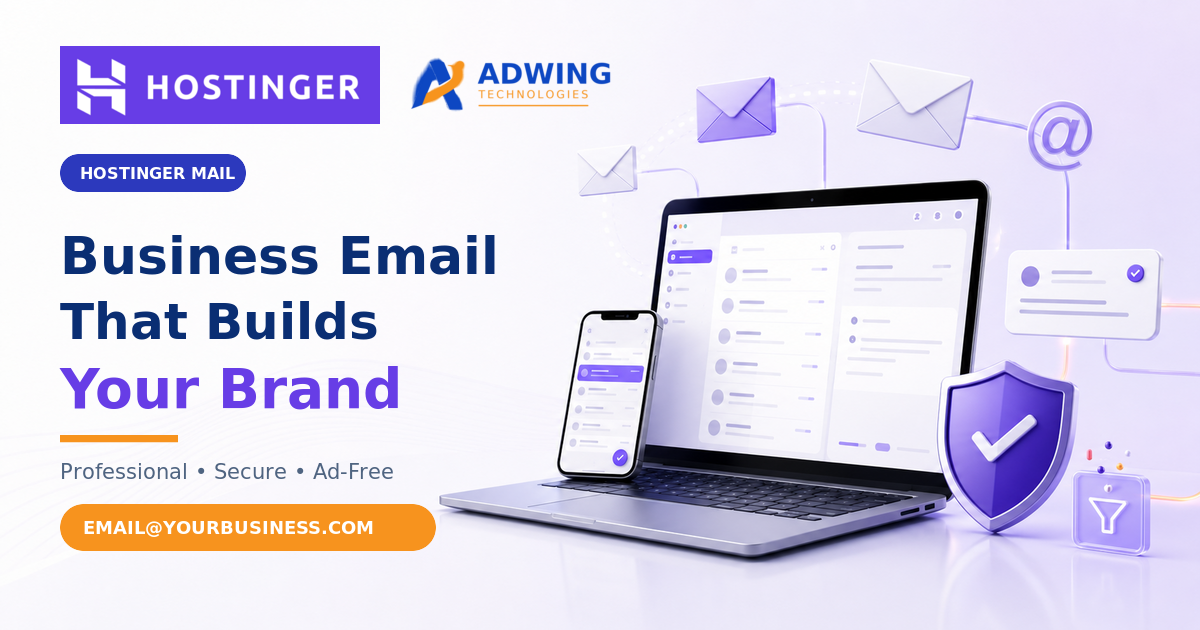
Business email that builds your brand starts with your own domain. Hostinger business email is designed for reliable, branded communication, allowing businesses to create domain-based mailboxes with secure, ad-free
inboxes, spam protection and straightforward integration with websites, devices and popular email applications.
Instead of sending proposals, quotations and support replies from a generic personal address, your team can communicate through addresses such as info@yourbusiness.com or support@yourbusiness.com. This makes every message consistent with your website and company identity.
Build Trust With Hostinger Mail
Explore domain-based business email and check current plans through the Adwing Technologies referral link.
What Is a Professional Business Email?
A professional business email uses your organization’s domain after the “@” symbol. If your website is yourbusiness.com, your email can be name@yourbusiness.com. Email hosting stores, sends and receives these messages through dedicated mail infrastructure while giving administrators control over mailboxes, aliases, forwarding and security settings.
A domain email is separate from your website design. You can use Hostinger Mail even when your website is hosted elsewhere, provided the domain’s DNS records are configured correctly.
Why Branded Email Builds Trust
Professional First Impression
A domain-based address connects each message with your business name
and helps proposals, quotations and service replies look more credible.
Consistent Brand Identity
Your website, email address and signature work together, making it
easier for customers to recognise and remember your organisation.
Role-Based Communication
Separate addresses for sales, accounts, support and hiring keep
communication organised and easier to assign within a growing team.
Business Continuity
Role-based addresses can remain consistent even when responsibilities
move between employees, reducing dependence on personal accounts.
Useful Business Email Addresses
A practical mailbox structure depends on your team size and workflow.
Common examples include:
sales@yourbusiness.com
support@yourbusiness.com
accounts@yourbusiness.com
careers@yourbusiness.com
name@yourbusiness.com
Before creating every address as a separate paid mailbox, decide whether it should be a mailbox, forwarding address or alias. A mailbox has its own inbox and login, while an alias can deliver messages to another mailbox.
Key Hostinger Business Email Features
Custom-Domain Mailboxes
Create professional addresses that use your company domain and reinforce your brand in every customer conversation.
Secure, Ad-Free Inbox
Hostinger Mail provides a clean business inbox without consumer advertising, alongside spam, virus and phishing protection.
Aliases and Forwarding
Create alternative addresses and forwarding rules to route messages to the correct team member without exposing personal email accounts.
Webmail and Device Access
Access mail through a browser or connect compatible clients such as Outlook, Gmail, Apple Mail and mobile email applications.
Email Migration
Migration and import tools help transfer existing messages from another provider. Maintain a backup and verify folders after migration.
Auto-Replies and Catch-All
Configure absence messages, forwarding and handling for mail sent to mistyped or unconfigured addresses when these options suit your policy.
Security and Activity Controls
Available controls include account protection, mailbox activity logs and encryption features. Administrators should also enforce strong passwords and two-factor authentication.
AI-Assisted Productivity
Selected plans include tools that can help write, reply, summarise and search email. AI features should be reviewed before sending sensitive or legally important communication.
Choosing the Right Hostinger Mail Plan
Hostinger displays different plan levels for solo users, growing small businesses and larger teams. Names, limits and promotional prices can change, so compare the live plan page before purchasing.
| Plan level | Suitable for | What to compare |
|---|---|---|
| Starter | Solo entrepreneurs and small teams needing basic branded mailboxes | Storage, aliases, forwarding rules, mailbox count and daily sending limit |
| Standard | Small businesses that need greater storage and productivity features | AI tools, email tracking, automatic replies, aliases and renewal price |
| Premium | Growing teams with higher storage and communication requirements | Domain eligibility, mailbox bundle, tracking features, storage and total upfront term |
required today, likely staff growth, storage per user, forwarding needs and renewal cost. Avoid purchasing separate mailboxes for addresses that can safely operate as aliases.
How to Set Up Hostinger Business Email
- Open Hostinger through the Adwing referral link and select Business Email or Hostinger Mail.
- Choose a suitable plan and confirm the number of mailboxes required.
- Connect an existing domain or register an eligible new domain.
- Create mailbox names, strong passwords and recovery information.
- Configure the required DNS and mail-routing records for the domain.
- Enable available email-authentication and account-security controls.
- Connect Outlook, Gmail, Apple Mail or mobile clients if required.
- Test incoming mail, outgoing mail, replies, forwarding and website forms.
- Create standard signatures and communication guidelines for the team.
Email Security and Deliverability Checklist
- Use unique passwords and enable two-factor authentication where available.
- Configure SPF, DKIM and DMARC according to the provider’s current instructions.
- Never share mailbox credentials through unprotected chat messages.
- Review forwarding rules, aliases and inactive employee accounts regularly.
- Train staff to recognise phishing links, fake invoices and password requests.
- Keep website contact forms authenticated and protected against automated spam.
- Maintain independent records or backups for legally and commercially important messages.
How Adwing Technologies Can Help
Adwing Technologies can assist with domain registration, Hostinger Mail plan consultation, DNS configuration, mailbox creation, aliases, forwarding, Outlook or mobile setup, email migration coordination, professional signatures and website contact-form integration.
We can also help businesses define a clean email structure so that sales, support, accounts and management communication remains organised. Adwing Technologies is an independent service provider; Hostinger controls its own platform, plans, prices, referral eligibility, support and service terms.
Give Your Business a Professional Email Identity
Explore current Hostinger Mail plans through Adwing Technologies. View Hostinger Mail Options
Frequently Asked Questions
What is a domain-based business email?
It is an email address using your own business domain, such as name@yourbusiness.com, instead of a free public email domain.
Can Hostinger Mail work if my website is hosted elsewhere?
Yes. Email hosting can be used separately from website hosting when the domain’s DNS and mail records are configured correctly.
Can I use Hostinger business email in Outlook or Gmail?
Hostinger states that its email can connect with popular email clients including Outlook, Gmail and Apple Mail, as well as mobile applications.
Can existing emails be migrated to Hostinger?
Hostinger provides email-import and migration options. Before starting, keep a backup and verify messages, folders and contacts after migration.
Is a mailbox the same as an alias?
No. A mailbox normally has its own inbox, storage and login. An alias is an additional address that routes mail to another mailbox.
Does Hostinger Mail include spam protection?
Hostinger lists spam, virus and phishing protection among its business email features. Safe-user practices and account security remain
essential.
Final Recommendation
Hostinger business email can be a practical choice for entrepreneurs, local businesses, professional services and growing teams that want branded domain mailboxes with straightforward setup, migration, security and device integration. Select a plan according to mailbox count, storage, aliases, sending requirements and renewal cost.
A professional email address does more than send messages. It strengthens your identity at every customer touchpoint and keeps business communication separate, organised and consistent.
Start With Hostinger Business Email
Use the Adwing Technologies referral link to explore current options.
Hostinger Business Email,
Hostinger Mail,
business email setup guide
and
custom-domain email guide.
Plans, limits, pricing and included features can change; verify the latest
information directly on Hostinger before purchase.

Adwing Technologies
Business software, website design and digital growth support for organisations across India.
Related Business Insights


Turn Your Digital Presence Into Qualified Enquiries
Discuss your website, SEO, software or digital marketing requirement with Adwing Technologies.