
Cloudflare for Small Business Websites 2026: Faster, Safer & AI-Ready
Cloudflare for Small Business Websites 2026: Faster, Safer & AI-Ready Your website can have good hosting and still feel slow, face unwanted bot traffic or become difficult to protect during a sudden traffic spike. That is where Cloudflare for small business becomes useful. Cloudflare can sit between visitors and your hosting server to help deliver […]
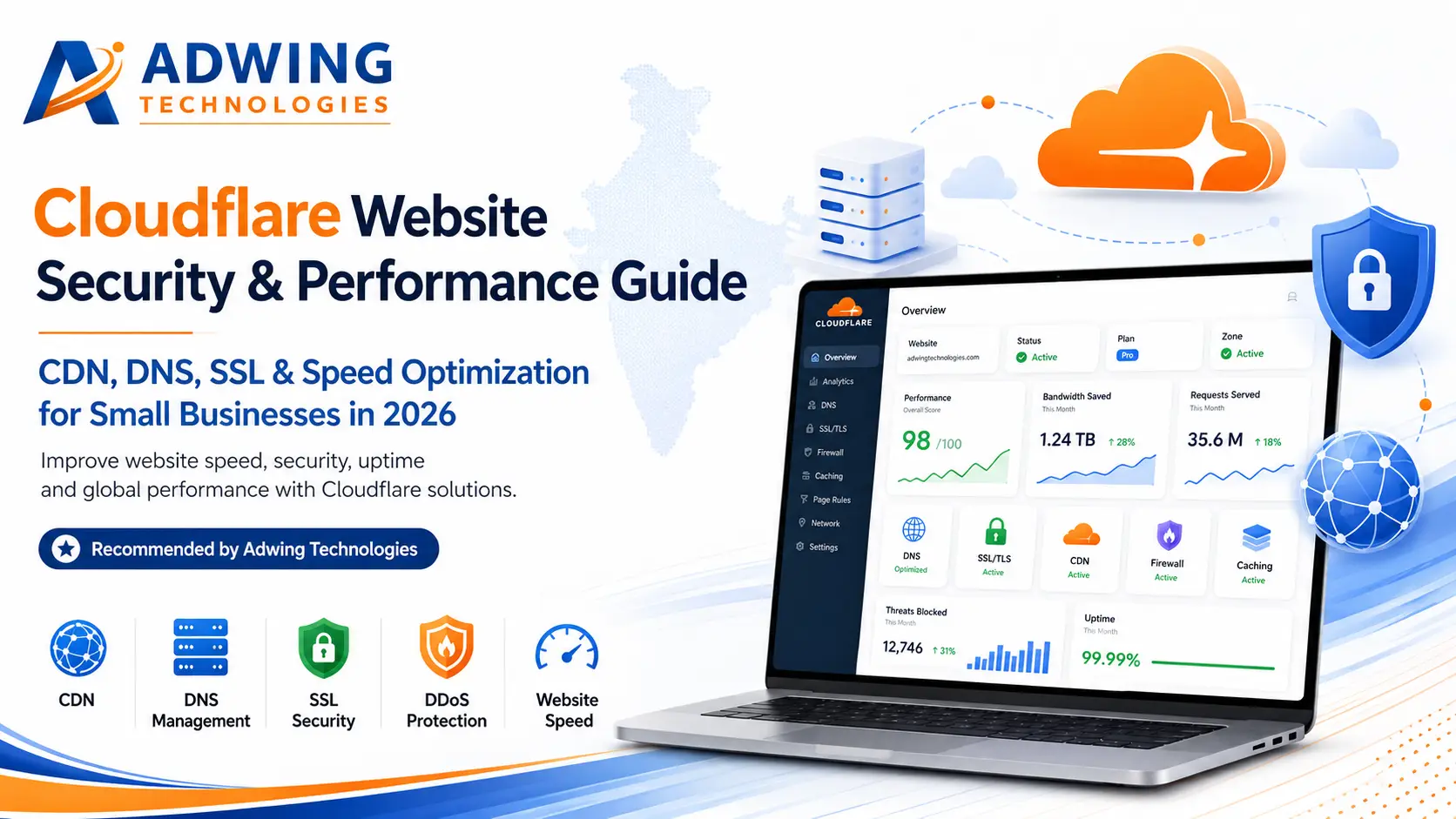
Cloudflare for Small Business Websites 2026: Faster, Safer & AI-Ready
Your website can have good hosting and still feel slow, face unwanted bot traffic or become difficult to protect during a sudden traffic spike. That is where Cloudflare for small business becomes useful. Cloudflare can sit between visitors and your hosting server to help deliver content faster, manage DNS, provide HTTPS/SSL capabilities and filter malicious traffic before it reaches the origin.
For WordPress sites, ecommerce stores, local service businesses and growing company websites, Cloudflare is especially relevant in 2026 because website performance and security are now joined by a third challenge: deciding how AI crawlers should access your content.
What Is Cloudflare and How Does It Work?
Cloudflare operates a global network that can act as a reverse proxy for a website. After the domain’s DNS is configured to use Cloudflare and applicable records are proxied, visitor requests can pass through Cloudflare before reaching the origin server. This allows the network to serve cached content closer to users and evaluate traffic against configured security rules.
Cloudflare’s official CDN material describes content delivery across more than 335 cities. Its current plans include core features such as DNS, CDN, Universal SSL, DDoS protection and WAF capabilities, with the depth and limits varying by plan.
7 Reasons Small Businesses Use Cloudflare
1. Faster Content Delivery With a CDN
A content delivery network stores eligible cached resources at geographically distributed locations. Instead of every visitor requesting every file from the original hosting server, cached resources can be delivered from Cloudflare’s edge network. The result can be lower latency and reduced origin workload when caching is configured correctly.
2. Fast, Managed DNS
DNS translates a domain such as yourbusiness.com into the technical destination used to reach the site. Reliable DNS is a basic but important part of the user journey. Cloudflare provides DNS management alongside its proxy, security and performance tools, giving website owners one central place to manage many traffic controls.
3. DDoS Protection
Distributed denial-of-service attacks attempt to overwhelm an online service with traffic. Cloudflare’s current application plans advertise unmetered DDoS protection. For a small business, the goal is simple: keep malicious traffic from consuming the same resources needed by genuine customers.
4. Web Application Firewall (WAF)
A WAF evaluates incoming web requests and can block or challenge traffic based on security rules. Cloudflare includes WAF capabilities across its current application plan lineup, while paid tiers add more security depth. A WAF is helpful, but it does not remove the need to keep WordPress core, themes, plugins and administrator accounts secure.
5. SSL/HTTPS Support
HTTPS helps protect data travelling between visitors and the website. Cloudflare offers Universal SSL as part of its current core plan features. The correct SSL/TLS mode matters: the connection between Cloudflare and your origin server should also be configured securely rather than treating the edge certificate as the entire security setup.
6. Reduced Origin Bandwidth and Load
When Cloudflare serves a cached resource, the origin server does not need to generate or transfer that same response for every request. For image-heavy blogs, campaign traffic or growing content sites, a healthier cache strategy can reduce server work and bandwidth consumption.
7. Better Resilience During Traffic Spikes
A CDN’s distributed design can absorb and distribute more traffic than a single origin server. Cloudflare also provides additional reliability products and controls for more demanding setups. This can become valuable when a campaign, viral post or seasonal event suddenly sends far more visitors than usual.
Cloudflare for WordPress: Where It Can Make a Real Difference
A common WordPress performance problem is repeated work at the origin: PHP runs, database queries execute and pages are assembled even when much of the response could be cached. Cloudflare’s standard CDN can accelerate static assets, while Automatic Platform Optimization (APO) is designed specifically to cache more of the WordPress experience at the edge.
Cloudflare currently states that APO serves both static and dynamic WordPress content from its network. In Cloudflare’s own testing, it reports improvements of 72% in Time to First Byte and 23% in First Contentful Paint. Treat those numbers as vendor test results, not a guarantee for every website—actual performance depends on hosting, theme, plugins, cacheability and configuration.
robots.txt controls; because robots.txt compliance is voluntary, enforced crawler blocking is a separate control. Pay-per-crawl monetisation exists as an evolving/private-beta capability, so businesses should check current eligibility before planning around it.Why AI Crawl Control Matters for Business Websites
Search engines are no longer the only automated systems reading public websites. AI crawlers may access content for search answers, model-related uses or other AI services. A business now has to decide whether it wants maximum discoverability, selective access or stronger restrictions for particular crawlers.
The wrong strategy is to block everything simply because AI is new. Some AI-driven discovery can send qualified users or improve how your expertise is surfaced. A better approach is to identify high-value public content, protect private or low-value endpoints, maintain correct canonical URLs and then create crawler policies that support your business goals.
Cloudflare Free vs Paid: How Should a Small Business Decide?
| Website Situation | Practical Direction |
|---|---|
| Personal/test site | The Free plan can be a useful starting point for core CDN, DNS and security features. |
| Professional lead-generation site | Compare Pro capabilities when stronger performance/security controls or WordPress APO value matter. |
| Revenue-critical small business/ecommerce | Review Business-level security, support and uptime requirements against the cost of downtime. |
| Mission-critical application | Evaluate contract/enterprise architecture, support and reliability requirements with a specialist. |
Do not choose a paid tier only because it contains more features. Start with your actual risk: website revenue, traffic volume, attack exposure, support expectations, compliance requirements and cost of downtime. Cloudflare plan features and pricing can change, so confirm the live plan comparison before purchase.
Want Cloudflare Configured Correctly?
Adwing Technologies can help connect Cloudflare with your existing domain, hosting and WordPress website, then review DNS, SSL, caching, security and performance as one setup.
A Safe Cloudflare Setup Checklist
- Take a backup first: keep current DNS records and a verified website backup before changing nameservers or proxy settings.
- Audit DNS: confirm website, mail and verification records before migration. Do not proxy records that should remain DNS-only.
- Configure SSL/TLS correctly: ensure HTTPS is secure from visitor to Cloudflare and from Cloudflare to the origin.
- Test caching: cache public content where appropriate but exclude authenticated, cart, checkout, account and other personalised flows as required.
- Review WAF/security rules: protect common attack surfaces without blocking real customers or trusted services.
- Check WordPress behaviour: test login, forms, WooCommerce, payment gateway, admin functions and cache purging after changes.
- Measure performance: compare real metrics before and after configuration instead of assuming every optimisation helped.
- Review AI crawlers: decide which crawlers should be allowed, monitored or blocked based on your content strategy.
Cloudflare + Hostinger + WordPress: Can They Work Together?
Yes. Cloudflare and Hostinger solve different parts of the stack. Hostinger can provide the origin hosting for the WordPress website, while Cloudflare can manage DNS/proxy traffic and provide CDN/security capabilities in front of that origin. The same principle applies to many other hosting providers.
When combining services, avoid turning on every optimisation in every dashboard without testing. Duplicate caching, image optimisation, minification or redirects can cause unexpected behaviour. Establish which layer owns each function and keep the configuration documented.
Does Cloudflare Improve SEO?
Cloudflare does not automatically rank a site higher on Google. It can support SEO indirectly by improving delivery speed, resilience and security when configured well. Search performance still depends on crawlability, site architecture, useful content, internal linking, mobile experience, authority and whether pages satisfy user intent.
For lead generation, speed should serve conversion. A fast page with a weak offer will still underperform. Pair technical optimisation with clear service pages, local trust signals, meaningful FAQs, visible calls to action and accurate analytics.
How Adwing Technologies Can Help
Adwing Technologies can review the complete website layer rather than changing Cloudflare settings in isolation. Support can include domain/DNS configuration, WordPress deployment, CDN and cache setup, SSL checks, performance optimisation, website maintenance, technical SEO, Search Console/Analytics setup and conversion-focused website improvements.
For an existing website, we first identify where the actual bottleneck is—hosting, oversized assets, plugins, database work, third-party scripts, DNS, caching or page design—then apply the relevant optimisation.
Frequently Asked Questions
Is Cloudflare a web hosting company?
Cloudflare provides network, CDN, security and developer services, but a CDN does not replace conventional origin hosting for a normal WordPress site. Your website files/database still need an appropriate origin environment.
Is Cloudflare good for a small business website?
It can be very useful when a business wants faster content delivery, DNS management, HTTPS capabilities, DDoS protection and web security controls. The best plan depends on how critical the website is to revenue and operations.
Can I use Cloudflare with WordPress?
Yes. Cloudflare supports WordPress use cases and offers Automatic Platform Optimization specifically for WordPress. Cache and security settings should be tested with login, forms, ecommerce and other dynamic functions.
Can I use Cloudflare with Hostinger?
Yes. Your website can remain hosted at Hostinger while Cloudflare handles applicable DNS/proxy, CDN and security functions in front of the origin.
Does Cloudflare protect against DDoS attacks?
Cloudflare’s current application plans advertise unmetered DDoS protection. Correct DNS/proxy configuration and overall application security are still important.
Can Cloudflare control AI crawlers in 2026?
Yes. Cloudflare’s current AI Crawl Control documentation says the feature is available on all plans and can provide crawler visibility plus individual allow/block controls. Detection depth and related capabilities can vary by plan.
Final Verdict: Is Cloudflare Worth Using in 2026?
For many businesses, Cloudflare for small business is worth considering because it places performance, DNS, SSL, DDoS defence, WAF controls and newer AI crawler management around the website from one network layer. The key is configuration. Turning Cloudflare on is easy; making caching, SSL, security and WordPress behaviour work together cleanly requires a little more care.
If your website generates enquiries, bookings or ecommerce revenue, treat Cloudflare as part of a complete performance-and-security strategy—not as a one-click SEO trick.
Make Your Website Faster, Safer & Lead-Ready
Need Cloudflare, WordPress performance or website security help? Adwing Technologies can review your existing setup and recommend the right next step.
Official references: Cloudflare Plans, Cloudflare CDN, Automatic Platform Optimization for WordPress, Cloudflare AI Crawl Control and managed robots.txt documentation. Features, plan limits and pricing may change after this August 2026 editorial review.

Adwing Technologies
Business software, website design and digital growth support for organisations across India.
Related Business Insights



Turn Your Digital Presence Into Qualified Enquiries
Discuss your website, SEO, software or digital marketing requirement with Adwing Technologies.